


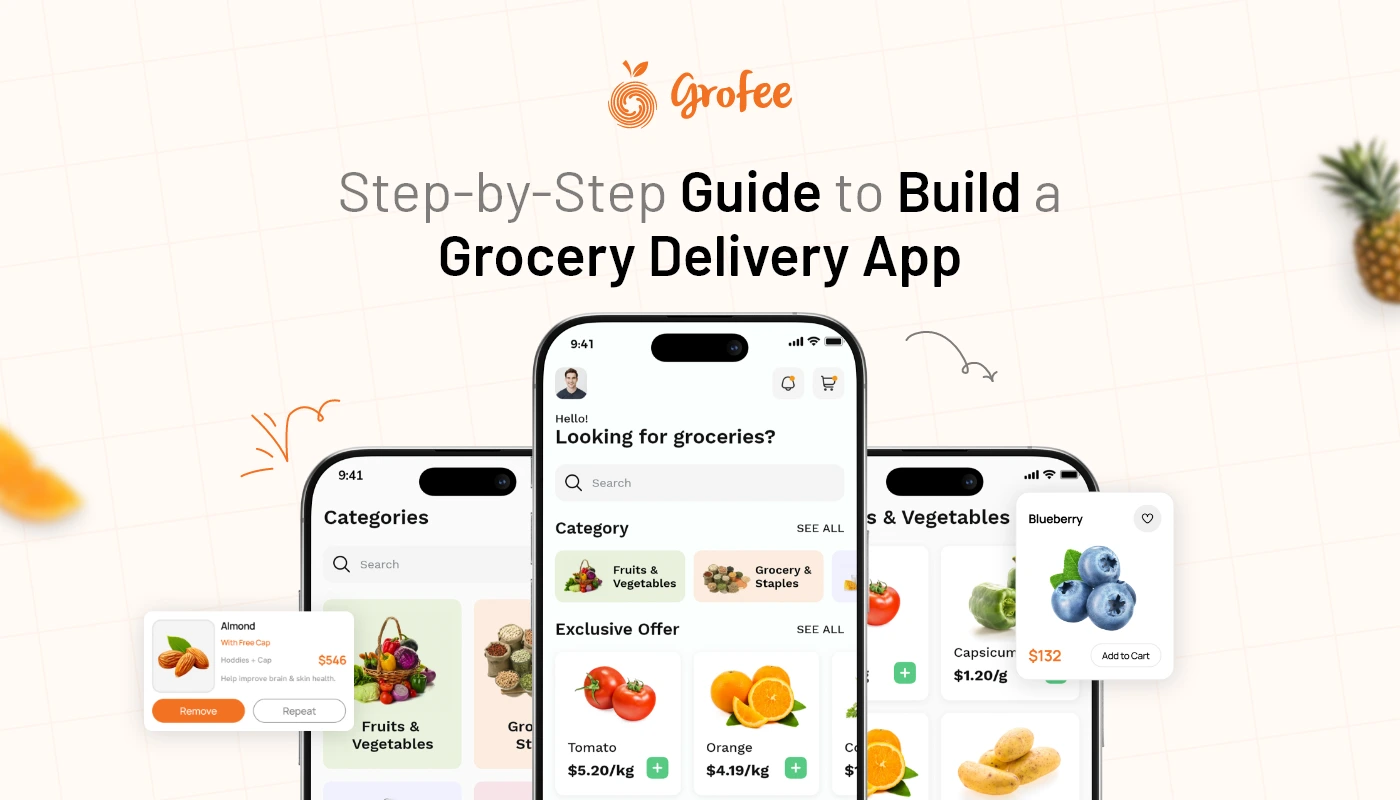
From WhatsApp Orders to Full Grocery App- A Step-by-Step Digital Upgrade Guide
Many local grocery stores begin to sell their products by taking online orders through WhatsApp because it is easy and familiar. Customers can send their grocery list, share their address, ask for prices and confirm orders quickly.
In the beginning, this works well.
But when orders increase WhatsApp can become hard to manage. Messages get missed, payments take time to check and delivery updates are also not clear.
And which is why a grocery app can solve these problems by keeping products, orders, payments, customers and deliveries in one place.
This guide explains how small grocery stores can move from WhatsApp orders to a full grocery app step by step.
Why Grocery Stores Start with WhatsApp Orders?
WhatsApp is a good starting point for small grocery stores. Most customers already use it every day, so they do not need to learn anything new. They can simply send a message with their grocery list and wait for confirmation from the store.
It works well in the beginning because:
- Customers can place orders quickly.
- Store owners can talk to customers directly.
- No website or app is needed at the start.
- It helps stores test online ordering easily.
- Customers feel comfortable using a familiar app.
For a small number of orders, WhatsApp feels simple and personal. Store owners can answer questions, confirm items, and share payment details through chat.
But WhatsApp was not made to manage grocery orders. It does not show products in a proper catalog. It does not manage carts, stock, invoices, delivery tracking, or customer data in an organized way. As more people start ordering, the same simple system can become confusing and slow.
Signs Your Store Needs a Grocery App
A grocery store starts facing problems when too many orders come through WhatsApp. Customers may send incomplete lists, ask for out-of-stock items, or change orders after confirmation. Staff may miss messages during busy hours.
Payments may need manual checking, and delivery boys may get confused with addresses or order updates.
There is also no easy way to show product categories, offers, images, reviews, or order history. Every order needs personal attention, which takes more time.
At this stage, it is better to convert WhatsApp orders to a mobile app so customers can browse products, add items to cart, pay online, and track delivery easily.
Why a Grocery App Is Better Than WhatsApp for Growing Stores?
WhatsApp is good for communication. A grocery app is better for structured commerce.
With a grocery app, customers can view available products, check prices, select quantities, apply offers, choose delivery slots & place orders independently. Store owners can manage the product catalogue, orders, payments, customers, delivery status & reports from an admin panel.
This makes the entire shopping journey more professional and reliable.
A dedicated online grocery store app solution also improves customer trust. When shoppers see a branded app with clear categories, secure payments, real-time updates & order history, they feel more confident placing repeat orders.
For grocery businesses, this means fewer manual errors, faster order processing, better customer retention & more opportunities to run promotions.
How to Move from WhatsApp Grocery Orders to a Mobile App?
Here is a simple step-by-step roadmap to upgrade your grocery ordering process without confusing customers or disrupting daily operations.
Step 1- Review Your Current WhatsApp Ordering Process
Before building or launching an app, start by understanding how your current WhatsApp ordering system works.
Look at how customers place orders, what kind of products they buy most often, how payments are collected, how deliveries are assigned & where delays usually happen.
You should identify-
Which products sell the most?
Which customer questions are repeated daily?
How many orders you receive each day?
How many orders are delayed or changed?
How payments are currently confirmed?
How delivery addresses are managed?
How customer feedback is collected?
This review helps you decide what your app must include from day one. For example, if customers often ask about product availability, your app needs real-time stock visibility. If delivery delays are common, order tracking and delivery status updates become important.
Step 2- Choose the Right Grocery App Model
Learn about your business requirements, after that select the best app types.
A custom app built from scratch offers total flexibility, but generally involves a greater investment of time and resources. Suitable for large companies with very specific requirements
As the core platform is ready, it takes less time to launch a grocery app by opting for the white label option. You can set up your custom branding, product categories, payment options, delivery settings & business workflows without creating everything from scratch.
A white-label solution is more cost-effective, requires less time to develop & reduces some technical complexity for small and mid-sized grocery businesses.
Similarly, if you are wondering how to develop grocery delivery app for your business without investing months of planning and development, then a ready-to-customize grocery app solution will allow you to reach market fast and offer the customers professional shopping experience.
Step 3- Add the Must-Have Grocery App Features
Your grocery app does not need to be overloaded in the beginning. It should include the features that make ordering, payment & delivery easier for customers and store owners.
For customers, the app should include product search, product categories, product images, price details, cart, order placement, secure payment, promo codes, order history, push notifications, ratings & delivery tracking.
For store owners, the admin panel should include product management, order management, customer management, payment tracking, delivery management, reports, promotions & inventory updates.
These features are especially important in grocery app development for small business because small stores need a simple but complete system that reduces manual effort and improves daily order handling.
A good app should make grocery shopping feel easy, quick & dependable.
Step 4- Move Customer Data Carefully
Many store owners worry about losing their existing WhatsApp customers while moving to an app. The good news is that you do not need to start from scratch.
You can organize existing customer names, phone numbers, addresses, buying preferences & frequent order details into a structured database. This data can then be uploaded or added to the app system depending on the platform you choose.
You can also send your existing WhatsApp customers a launch message with the app link, welcome offer & simple instructions.
For example, you can say-
“We have upgraded your grocery shopping experience. You can now order faster through our new grocery app, track deliveries, make secure payments & access exclusive app-only offers.”
This makes the transition feel like a benefit, not a forced change.
Step 5- Set Up Online Payments and Delivery Flow
A major benefit of moving from WhatsApp to a grocery app is payment and delivery automation.
Instead of asking customers to send payment screenshots, your app can support online payment gateways, cash on delivery, wallet options, or card payments. This makes transactions faster and easier to track.
Delivery can also become more organized. Customers can add addresses, select delivery options, receive order updates & track status from order placed to delivered.
For store owners, this reduces confusion and improves accountability. Staff can see which orders are pending, packed, out for delivery, completed, or cancelled.
This is where grocery ecommerce app development creates real operational value. It connects ordering, payment, fulfilment & delivery into one smooth flow.
Step 6- Launch with a Simple Customer Migration Plan
Do not suddenly stop taking WhatsApp orders. Instead, guide customers gradually toward the app.
Start by announcing the app on WhatsApp, social media, in-store posters, bills & delivery packaging. Offer a small first-order discount to encourage downloads.
You can continue accepting WhatsApp orders for a short period while encouraging customers to use the app for faster service, better offers & delivery tracking.
Train your staff to explain the benefits clearly. Customers should understand that the app helps them order faster, avoid repeated typing, view products easily & track deliveries without calling the store.
Most local grocery apps can be launched in a few weeks if you choose a white-label or ready-made app solution. A fully custom app may take longer depending on features, integrations, design & testing.
Step 7- Track Performance and Keep Improving
After launch, monitor how customers are using the app.
Check which products are searched most often, which categories perform best, how many customers complete orders, where drop-offs happen & which offers bring repeat sales.
This data is difficult to collect through WhatsApp alone. But with a grocery app, you can make better business decisions using reports and analytics.
You can improve product listings, run seasonal discounts, promote bestsellers, improve delivery slots & send personalized notifications.
The goal is not only to move from WhatsApp to an app. The goal is to create a better digital grocery business.
How Much Does It Cost to Build a Grocery App?
The cost of building a grocery app depends on the app type, features, design, number of platforms, integrations, payment gateway, delivery module, and customization level. A fully custom grocery app usually costs more because everything is planned, designed, developed, tested, and deployed from scratch.
Approximate cost ranges may include:
- Basic grocery app: $8,000–$15,000 with product listing, cart, orders, and basic admin panel.
- Mid-level grocery app: $15,000–$35,000 with payments, delivery tracking, offers, notifications, and reports.
- Advanced custom app: $35,000–$70,000+ with multi-store support, analytics, loyalty, automation, and third-party integrations.
A white label grocery app solution is usually more cost-effective because the foundation is already built. You mainly customize it for your brand, product catalogue, business model, and customer experience. For local stores and small grocery businesses, this is often the better option because it offers faster launch, lower investment, and reduced technical risk.
Make the Switch from WhatsApp to a Grocery App with Grofee
If your grocery business is already receiving orders through WhatsApp, you have already taken the first step toward digital selling. Now it is time to move from manual chats to a complete grocery app experience.
Grofee helps grocery stores, supermarkets & grocery entrepreneurs launch their own branded grocery app with essential features for product management, online orders, payments, customer management, promotions, notifications & business growth.
With Grofee, you can turn scattered WhatsApp orders into a structured, scalable & customer-friendly grocery shopping experience.
Your customers already want convenience. Grofee helps you deliver it better.
Move Beyond WhatsApp And Start Selling Smarter with Grofee
Launch Your Grocery AppFrequently Asked Questions
The main steps include reviewing your current WhatsApp order process, choosing the right app solution, adding products, setting payment and delivery options, migrating customer data, training staff, launching the app & promoting it to existing customers.
A grocery app for small businesses should include product categories, search, cart, secure payments, order management, delivery tracking, push notifications, promo codes, customer profiles, ratings & an admin dashboard for managing daily operations.
Yes, basic customer data such as names, phone numbers, addresses & order preferences can be organized and added to the app system. This helps existing WhatsApp customers move smoothly to the new app experience.
Grocery apps can integrate payment gateways, cash on delivery, order status updates, delivery assignment & real-time tracking. Customers can place orders, pay securely & check delivery progress directly from the app.
Common challenges include customer adoption, product data setup, staff training, delivery process changes & initial promotion. These can be managed with a simple launch plan, customer education & a reliable grocery app platform.
Recent Blogs
The way people shop for groceries has changed faster than ever. What used to be a simple list-based purchase is now a highly personalized, digital... Read more
Over the past few years, purchasing of groceries has changed significantly. A weekly trip to the store has been replaced with a few taps on... Read more
Marketplaces once felt like the easiest way for grocery businesses to go online. Join a big platform, list products, and instantly access customers. But today,... Read more
Set Up An Online
Grocery Supermarket
With Grofee
Build an extensive product catalogue, enable your customers to place orders from your Mobile App or Web and start selling quickly.